Testing data-extraction logic inside you code is not always the most efficient way to develop it. When your application crawls data from external sources, validating the parsing logic in the browser first means you can easily test, correct and validate your logic.
In your browser this can be easily achieved using an XPath. There are a few extensions available like, but I also found out this can be achieved without any extension!
Viewing XPath results#
- Open up the document on which you want to test an XPath
- Hit the F12 key for the developer tools panel or right click on the document and click "Inspect element"
- In the developers tools panel click on the Console tab!
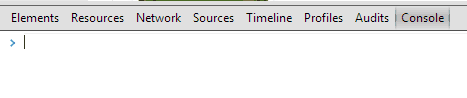
- In the console there are many features. One of them is for XPaths. Type:
$x('XPATH')And hit the enter key. ReplaceXPATHwith the XPath you want to test. - The result is an array which contains the elements. Hovering one of the results will show the element visually on the page too.
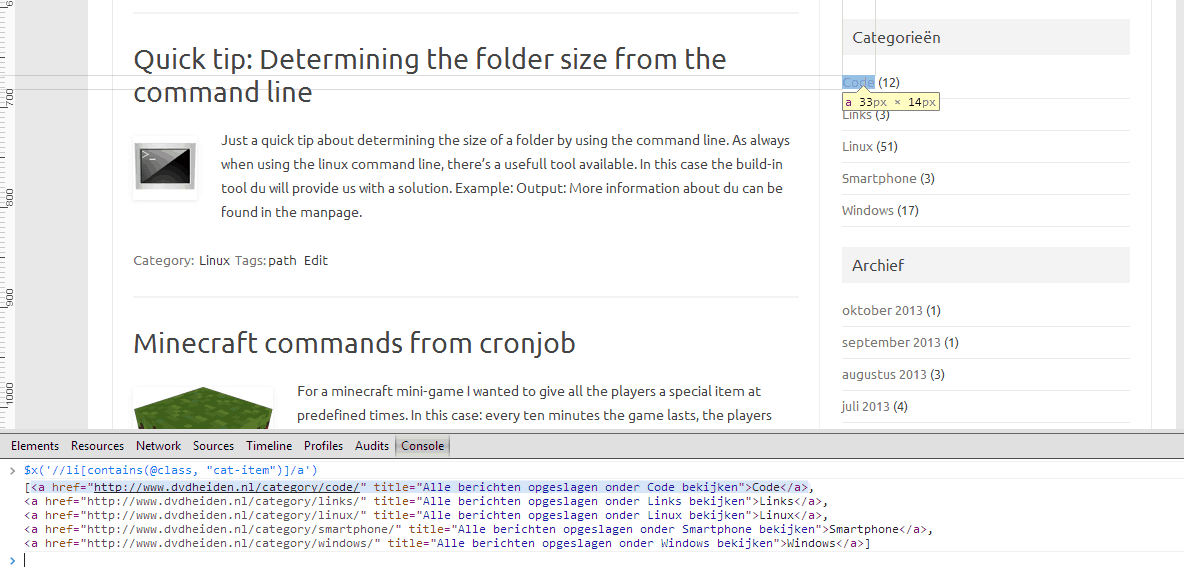
Really easy to use, has a lot of features and without using an extension. Thumbs up for Google Chrome on this!
For more information about the Google Chrome Console, see: Command Line API Reference